The operating
system for your
kitchen, counter
and books.
Pangat runs the floor — billing, KOTs, tables, online orders, inventory, recipes. BillTick handles GST, invoicing, e-invoicing and your books — natively, in the same tab.
Everything your restaurant needs · one platform
Bills in three seconds.
Books in zero clicks.
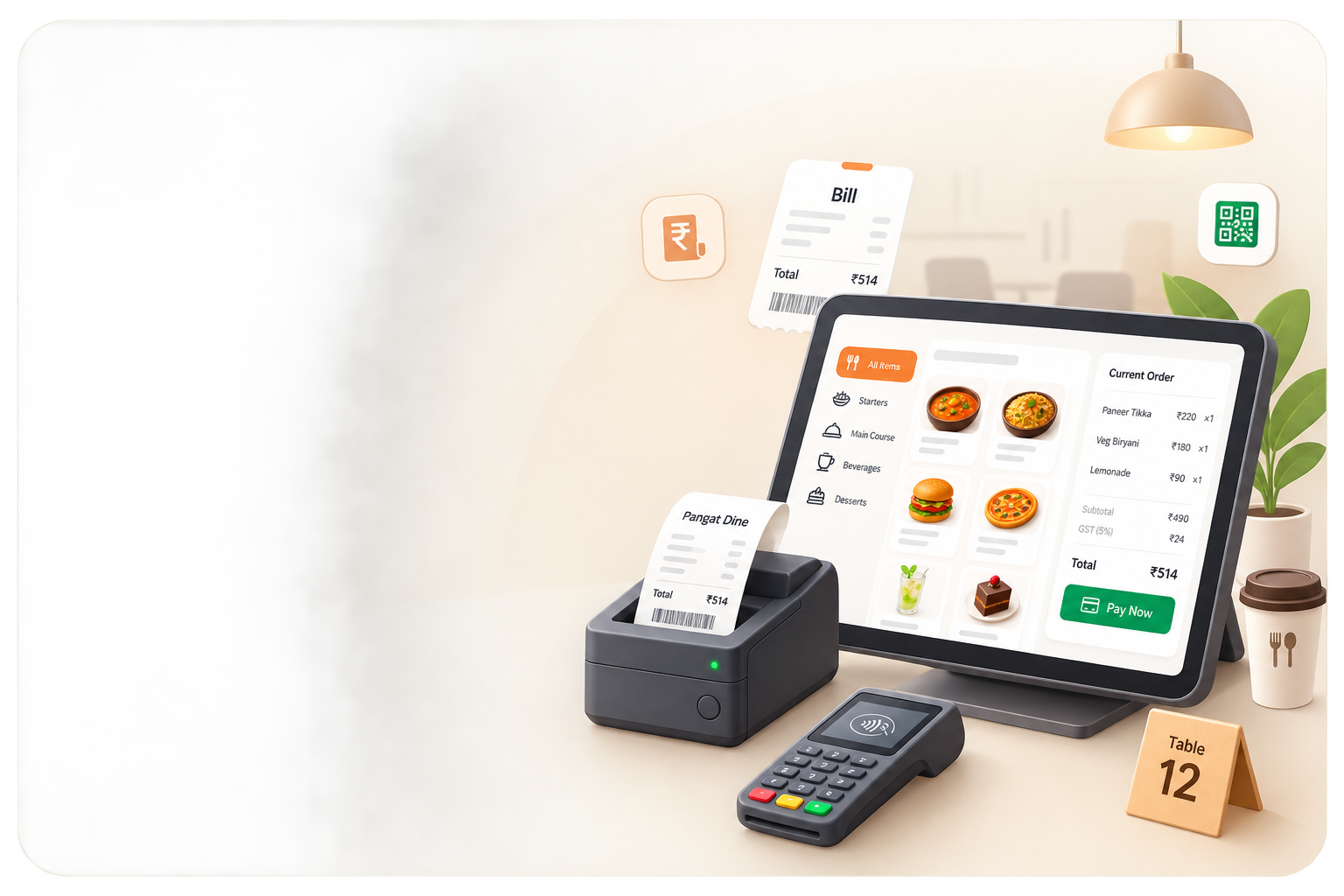
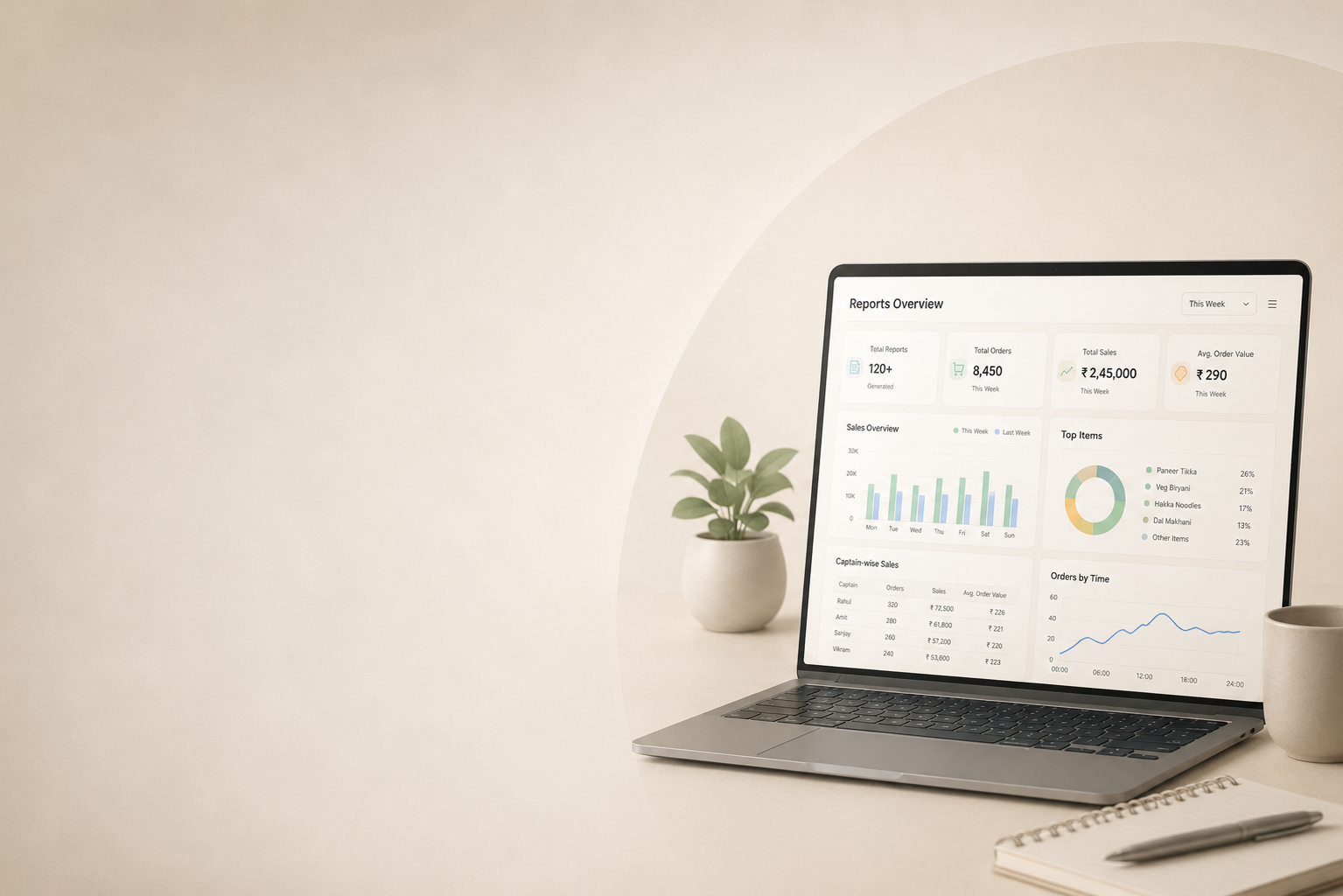
One workspace for the floor. Every settled order generates a GST-compliant invoice, posts to your customer ledger, and files with the IRP — without a separate accounting tool.
Built for the way
Indian restaurants actually run.

Your books, already filed.
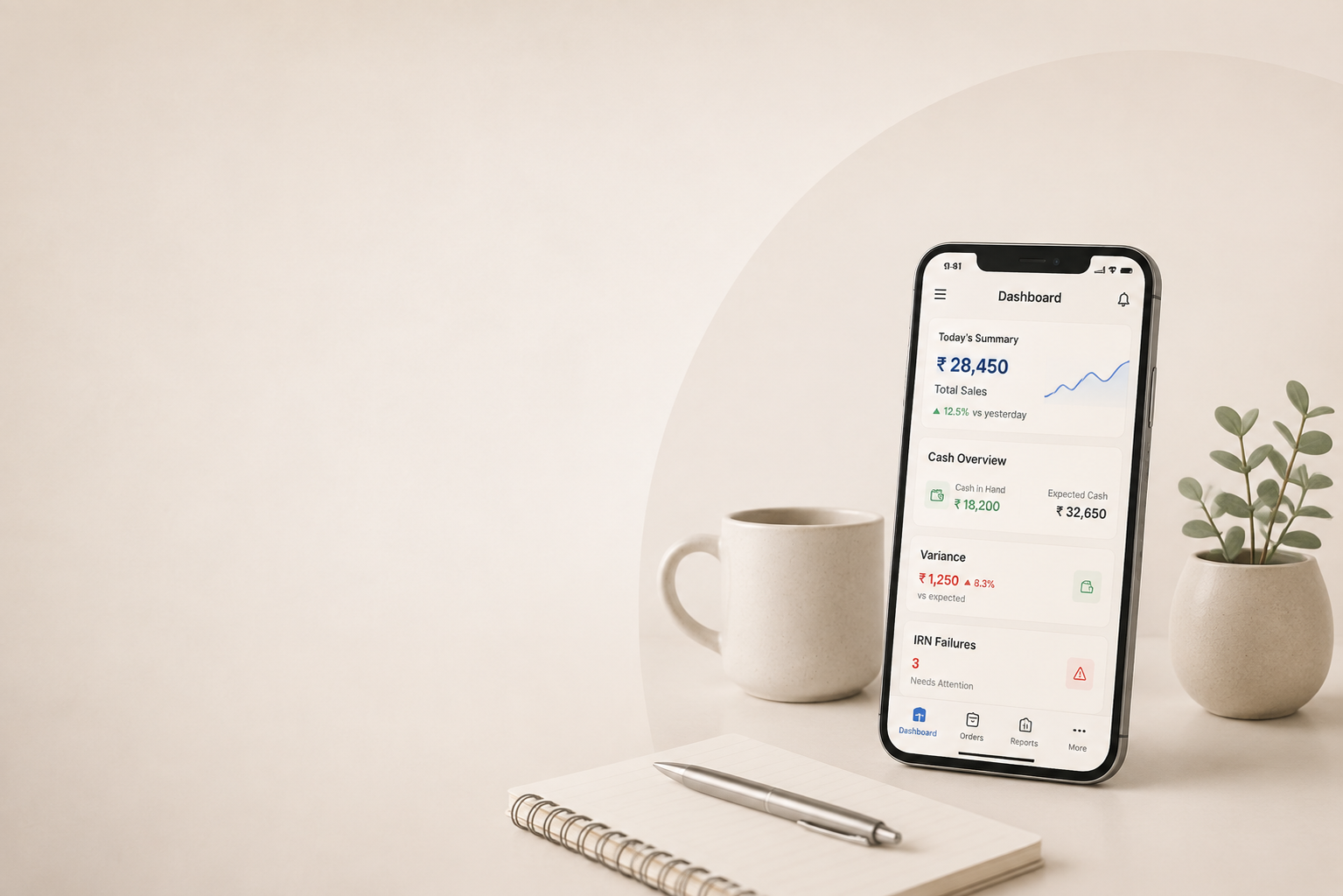
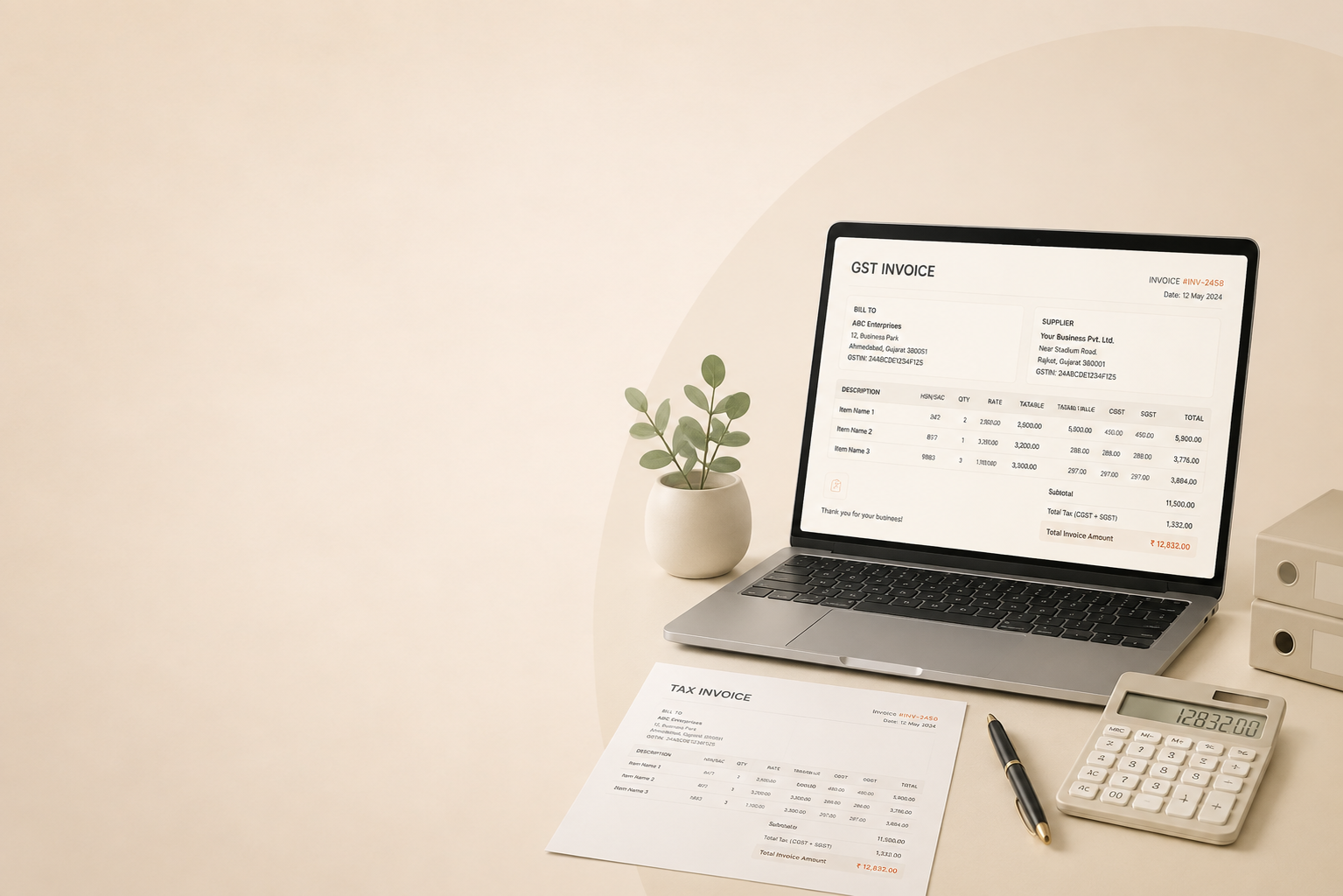
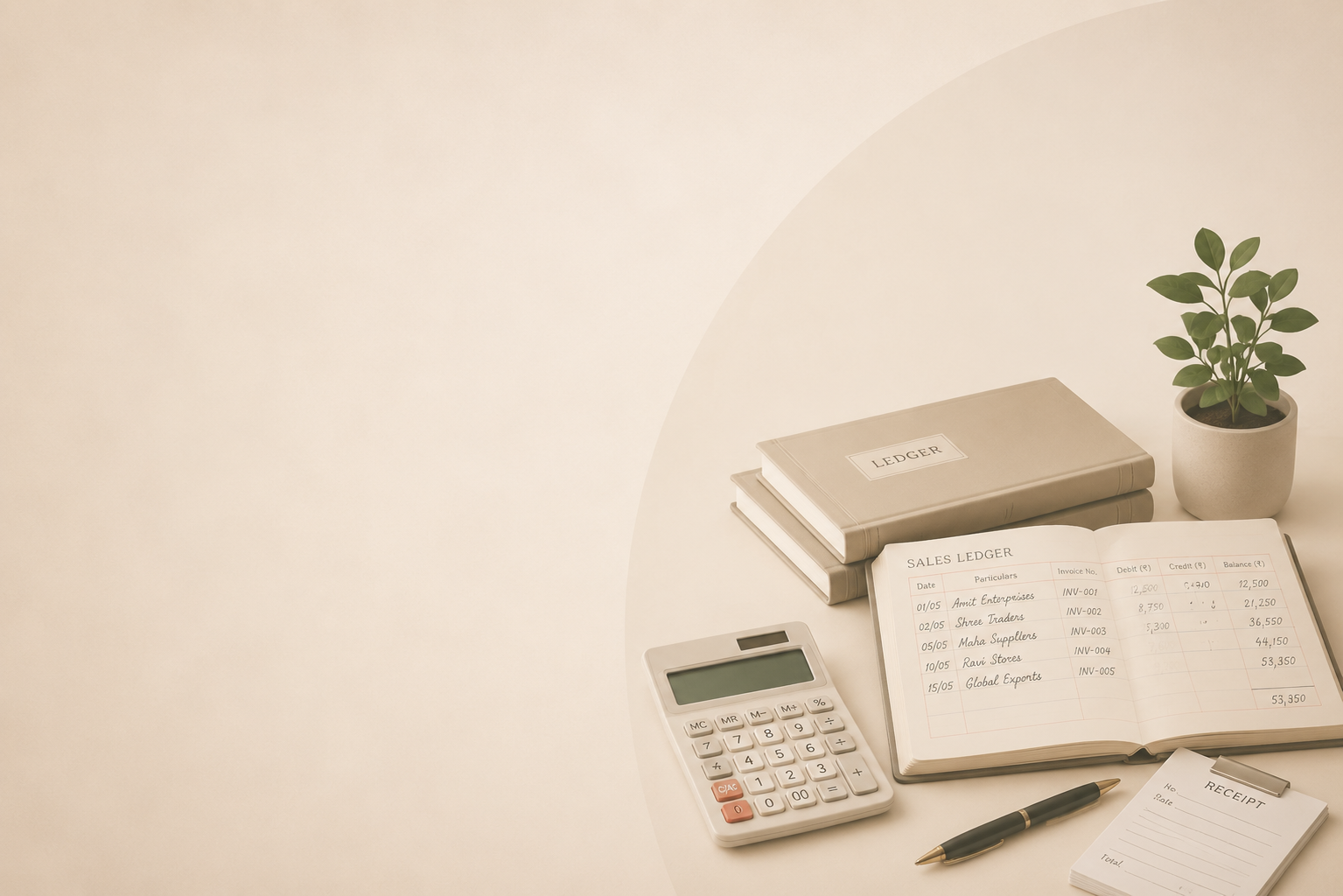
Every bill you settle in Pangat becomes a GST-compliant invoice in BillTick. IRN, ack, signed e-invoice, ledger entry, ITC on purchases — done in the same second.
No re-keying. No exports. No reconciliation at midnight.
One platform. Six playbooks.
Pre-configured for your format. Switch any module on or off, anytime.
Espresso to e-invoice in one screen.
Token-based queues, sub-3s billing.
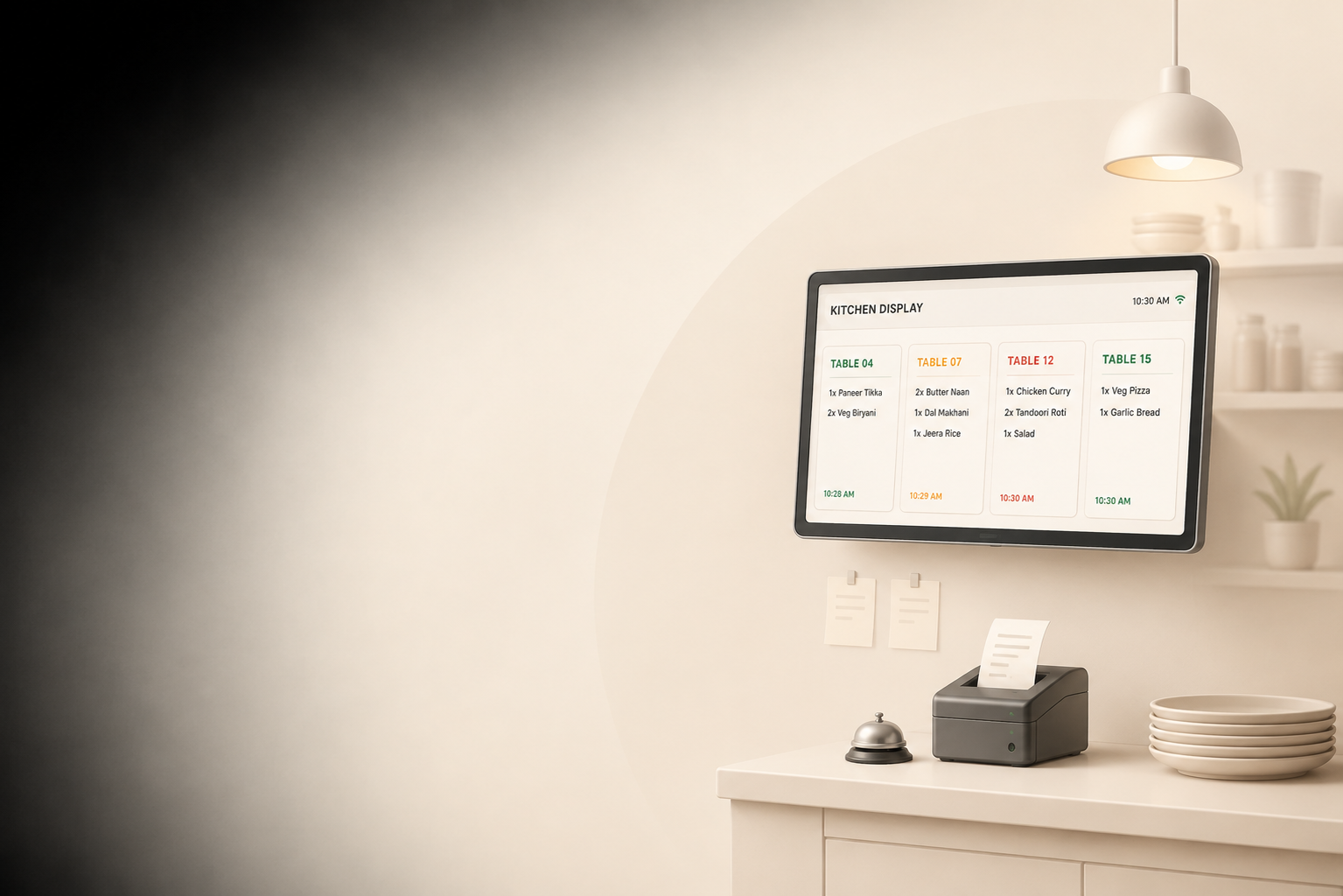
Captain workflows, courseing, KDS routing.
Brand × kitchen × channel matrix.
Counter sales + cake orders + production.
Multi-outlet, central kitchen, consolidated GST.
Plays well with everything
you already use.
18 native integrations, plus a documented webhook + REST API for the rest.
From the Pangat blog.
Practical guides on operations, GST, and restaurant technology.
View all →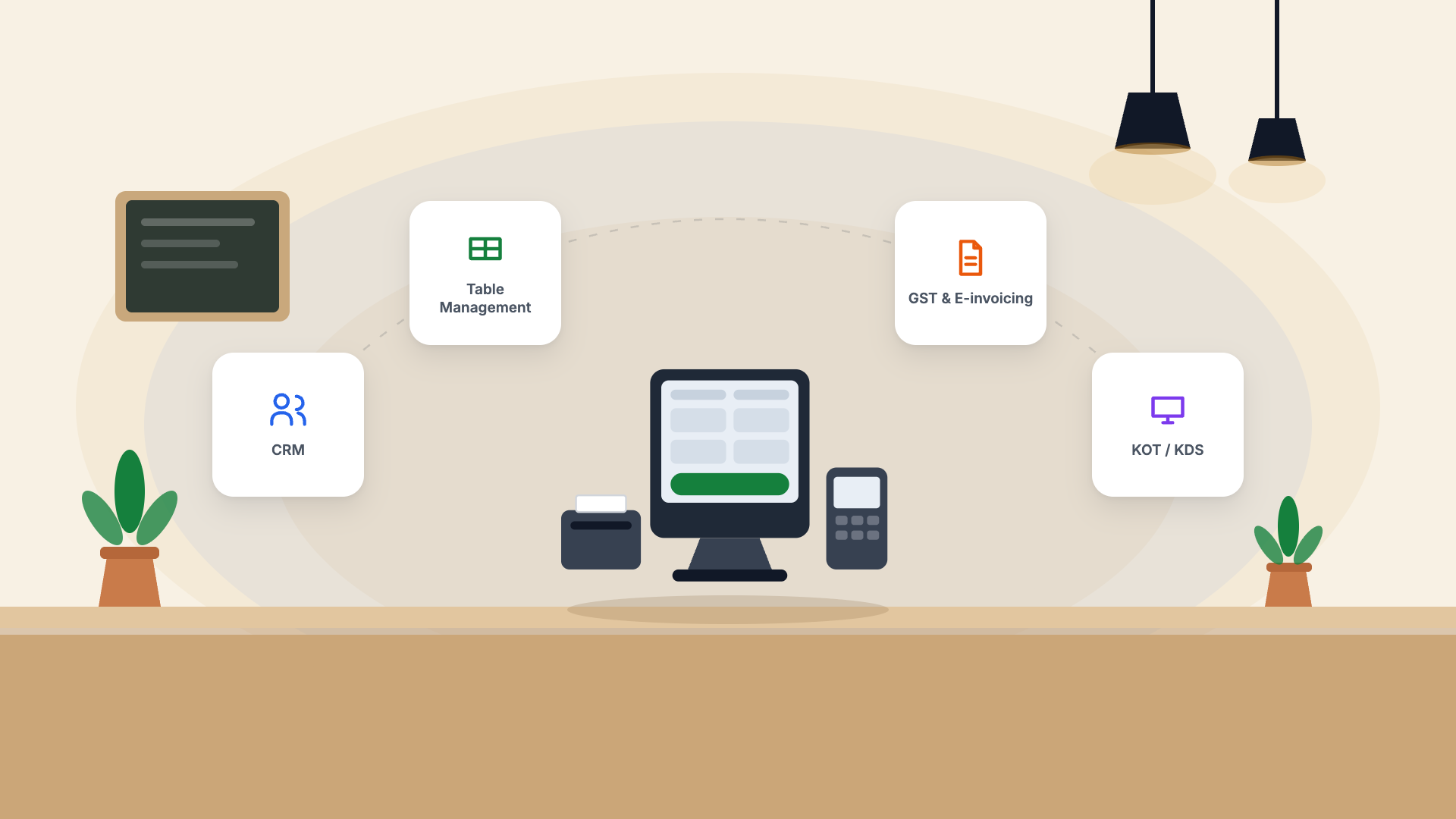
Questions owners ask before switching.
What is Pangat?
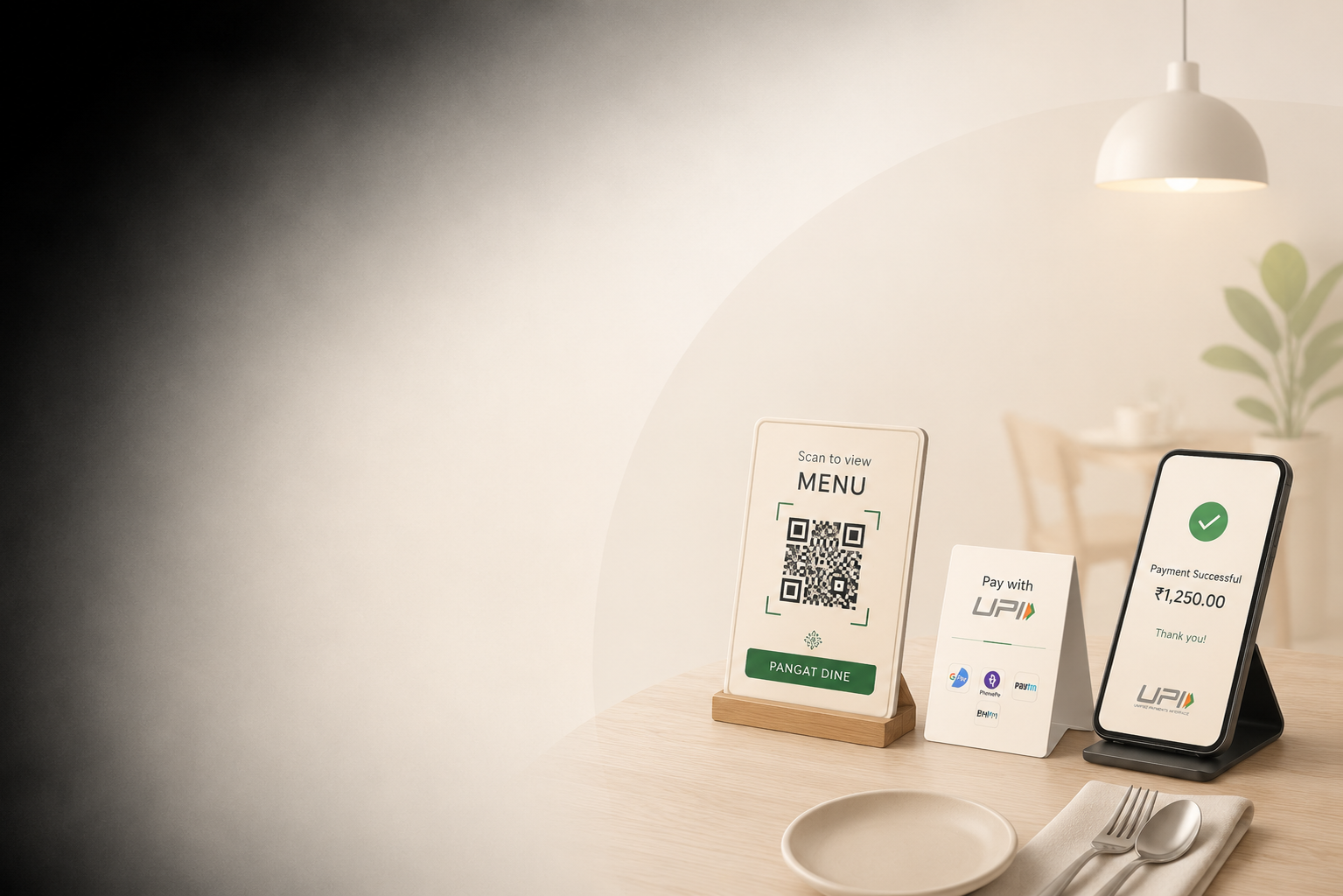
Pangat is an all-in-one restaurant management system built for India. It runs your POS billing, kitchen display (KDS), table and floor management, QR ordering, inventory and reporting from one platform — with GST invoicing, e-invoicing and books handled natively by BillTick.
Is Pangat GST-compliant?
Yes. CGST, SGST and IGST are calculated automatically per item with HSN codes mapped, and GST-compliant invoices are generated on every bill. E-invoicing with IRN generation, GSTR-1 exports and Tally exports are built in through BillTick, so you do not need a separate accounting add-on.
Does Pangat handle Swiggy and Zomato orders?
Direct Swiggy, Zomato and ONDC integration is in development and lands soon — aggregator orders will flow into the same POS and kitchen display as your dine-in orders. Talk to us on +91 82000 58768 for the current timeline.
How long does it take to set up Pangat?
Most restaurants are live in under 30 minutes. Menu import, printer setup and staff roles are guided, and our team in Vadodara helps with onboarding and hardware configuration.
What hardware do I need to run Pangat?
Pangat runs in a browser, so any Windows PC, laptop or Android tablet works — there is no proprietary terminal to buy. It routes KOTs to thermal, dot-matrix or PDF printers you already own, the kitchen display runs on any spare screen, and guests order from their own phones over QR. You will need a stable internet connection at the counter.
How much does Pangat cost?
Every plan starts with a free 14-day trial and no credit card. Pricing after that depends on the number of outlets and the modules you turn on — call +91 82000 58768 or start the trial to get a quote for your setup.
What type of restaurants is Pangat built for?
Pangat suits fine dining and casual dine-in, QSR and cafes, cloud kitchens, bakeries and sweet shops, bars, and small multi-outlet chains. Format-specific playbooks configure the floor, kitchen and reporting for each.
Can Pangat manage multiple outlets?
Yes. You can run several outlets under one account with consolidated reporting, central menu and price control, and outlet-level stock and staff permissions.
Run a sharper
kitchen tonight.
14-day trial. No card. Live in 30 minutes with your menu, taxes, and printers. GST setup is a phone call away.