GST for Restaurants: Why It's Confusing (and How to Get It Right)
GST for restaurants is genuinely confusing — and with good reason. The rate depends on whether you have AC, whether you serve alcohol, whether you're in a hotel, and whether the customer is eating in or ordering delivery. Get it wrong and you either undercharge (losing revenue) or overcharge (creating compliance liability).
This guide cuts through the complexity. By the end, you'll know exactly which rate applies to your restaurant and what you need to file.
The Two Main GST Rates for Restaurants
5% GST (No Input Tax Credit)
This applies to:
- Standalone restaurants (AC or non-AC, doesn't matter)
- Takeaway and delivery orders from standalone restaurants
- Food delivery platforms (Zomato, Swiggy) are liable to collect and pay this GST directly
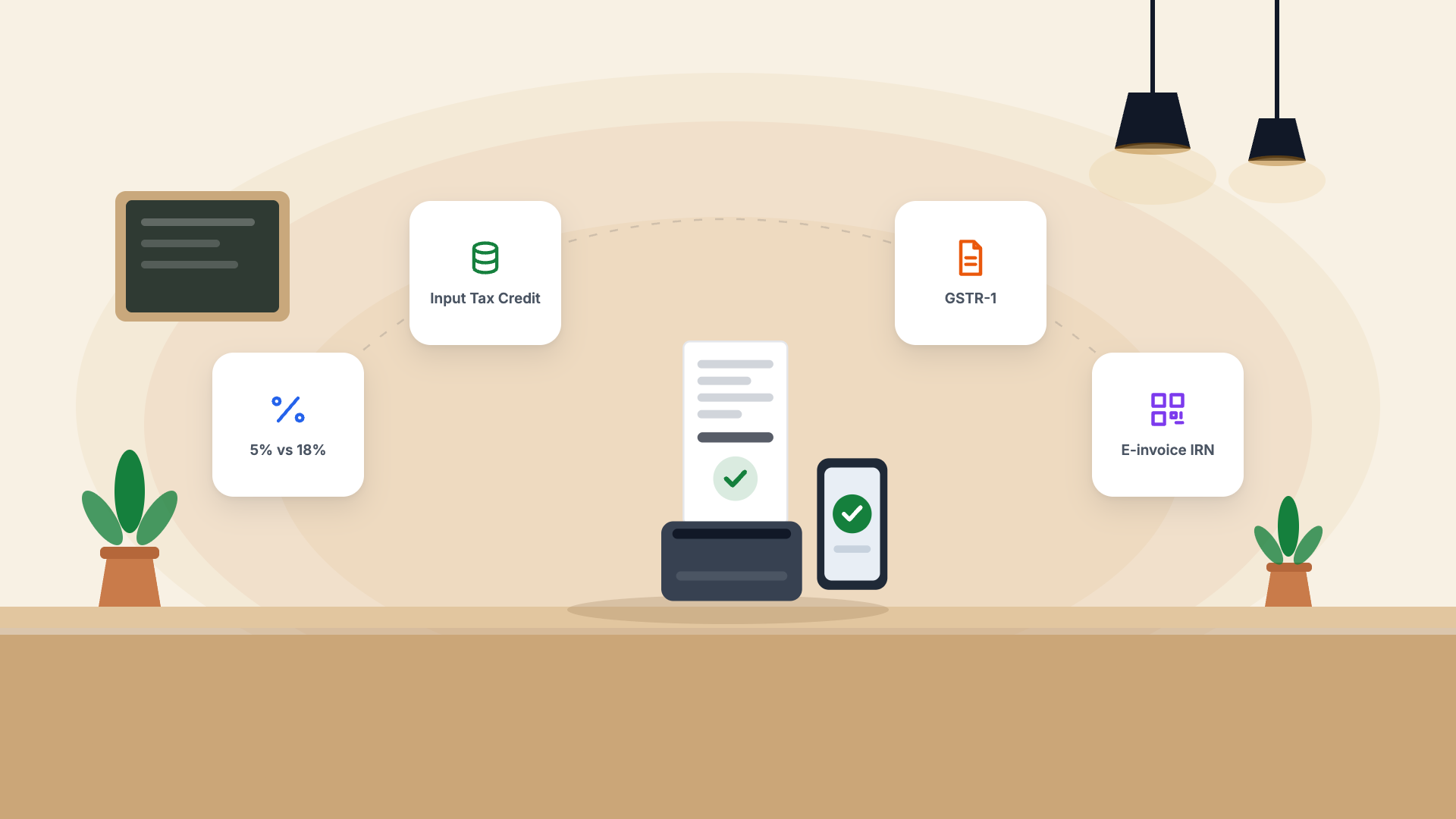
Important: At 5%, you cannot claim Input Tax Credit (ITC) on your purchases. You cannot offset the GST you paid on ingredients, kitchen equipment, or packaging.
18% GST (With Input Tax Credit)
This applies to:
- Restaurants inside hotels where the room tariff is above ₹7,500/night
- Restaurants serving alcohol (the food portion may still attract 5%, but check state-specific rules)
- Outdoor catering services
At 18%, you can claim ITC, which can significantly reduce your effective tax burden if your input costs are high.
Which Rate Applies to My Restaurant?
| Type of Restaurant | GST Rate | ITC Available? |
|---|---|---|
| Standalone restaurant (AC or non-AC) | 5% | No |
| Takeaway / delivery orders | 5% | No |
| Restaurant in hotel (room tariff < ₹7,500) | 5% | No |
| Restaurant in hotel (room tariff ≥ ₹7,500) | 18% | Yes |
| Outdoor catering | 18% | Yes |
| Restaurant serving alcohol (food portion) | 5% | No |
Do You Need GST Registration?
You must register for GST if your annual turnover exceeds ₹20 lakh (₹10 lakh for special category states like J&K, Uttarakhand, etc.).
If you're below this threshold, registration is optional — but if you're selling through Zomato or Swiggy, they collect and remit GST on your behalf under the e-commerce operator rules, so you may still need to track it.
What GST Returns Do Restaurants File?
GSTR-1 (Monthly / Quarterly)
Reports all your outward supplies (sales). You need to report:
- B2C sales — sales to individuals (consolidated by state)
- B2B sales — sales to registered businesses (invoice-wise)
- Nil-rated and exempt supplies
Monthly filing: If annual turnover > ₹5 crore
Quarterly filing (QRMP scheme): If annual turnover ≤ ₹5 crore
GSTR-3B (Monthly Summary)
A summary return covering:
- Total outward supplies and GST collected
- ITC claimed (only for 18% businesses)
- Net GST payable
Due: 20th of the following month (for most taxpayers).
Common GST Mistakes Restaurants Make
1. Charging GST on exempt items
Packaged food sold for home consumption (not in restaurant) may be exempt. Know what's on your menu vs. what's being sold as a packaged product.
2. Wrong place of supply
For delivery orders, the place of supply is the customer's location, not your restaurant's address. This determines whether CGST+SGST or IGST applies.
3. Not reconciling with Zomato/Swiggy TCS
If you sell through aggregators, they deduct Tax Collected at Source (TCS) at 1% and remit it to the government. This shows up in your GSTR-2B and must be claimed — many restaurants miss this.
4. Issuing tax invoices to unregistered customers at 18%
If you're a standalone restaurant, you should be issuing invoices at 5% — not 18%. This is a common error when switching POS systems.
GST Billing Best Practices
1. Configure your POS with the correct GST rate — Pangat allows you to set the GST rate per item category, so you never manually calculate tax
2. Reconcile Zomato/Swiggy TCS monthly — download your account statement and match with GSTR-2B
3. File GSTR-1 on time — late filing attracts ₹50/day penalty (₹20/day for nil returns)
4. Keep all purchase invoices — even at 5% with no ITC, you need these for audit purposes
5. Use accounting software — manual GST calculation on Excel is error-prone and time-consuming
GST and Pangat
Pangat generates fully GST-compliant invoices automatically:
- Correct rate per item (5% or 18% as configured)
- CGST/SGST vs. IGST based on place of supply
- GSTR-1 JSON export ready to upload to the GST portal
- Zomato/Swiggy order reconciliation built in
Your CA can access all GST data directly from the Pangat dashboard — no spreadsheets, no WhatsApp PDFs, no last-minute panic before the filing deadline.