The Two Inventory Failures That Kill Restaurants
Restaurant inventory problems come in exactly two flavours:
1. Running out mid-service — You 86 a popular dish on a Friday night. Customers are disappointed. Your chef is stressed. Your rating drops.
2. Over-ordering and throwing away — Sunday morning you find ₹8,000 worth of produce that wasn't used. It goes in the bin. Your P&L takes a hit you can't easily explain.
Both problems have the same root cause: no system. Here's how to build one.
Step 1: Create a Raw Material Master List
List every ingredient you use, with:
- Unit of measurement (kg, litre, piece, packet)
- Supplier name and lead time
- Approximate cost per unit
- Shelf life
This becomes your inventory bible.
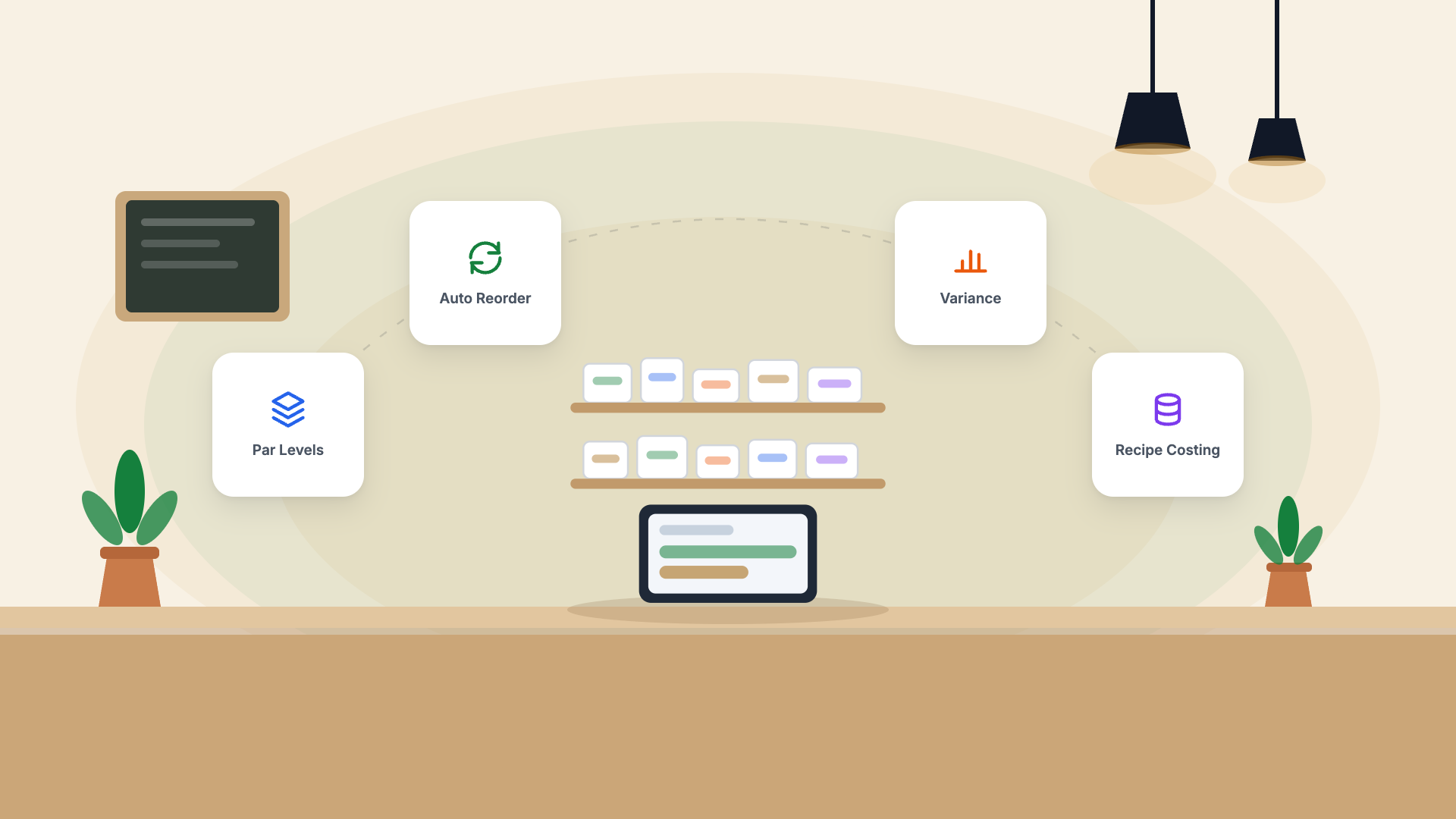
Step 2: Set Par Levels
A par level is the minimum quantity you should always have. Calculate it as:
Par Level = (Daily Usage × Lead Time) + Safety Stock
Example:
- Chicken breast: Daily usage = 3 kg, Lead time = 1 day, Safety stock = 2 kg
- Par level = (3 × 1) + 2 = 5 kg
When your stock hits 5 kg, it's time to order.
Step 3: Link Inventory to Your POS Menu
Recipe-cost each dish. When a dish is ordered and prepared, the POS automatically deducts the ingredient quantities from your stock. This gives you real-time inventory without daily manual counts.
Step 4: Daily Opening Count for High-Value Items
For your top 10 most expensive or most perishable items, do a quick physical count every morning. Compare to the system count. Any discrepancy over 5% needs investigation — it's either waste, theft, or a recipe error.
Step 5: Weekly Full Stocktake
Once a week, count everything. Compare to the system. Calculate your actual food cost for the week (opening stock + purchases - closing stock). This is your ground truth.
If your actual food cost is more than 2–3% above your theoretical food cost (what the POS calculated), you have a leak — identify and fix it before it compounds.