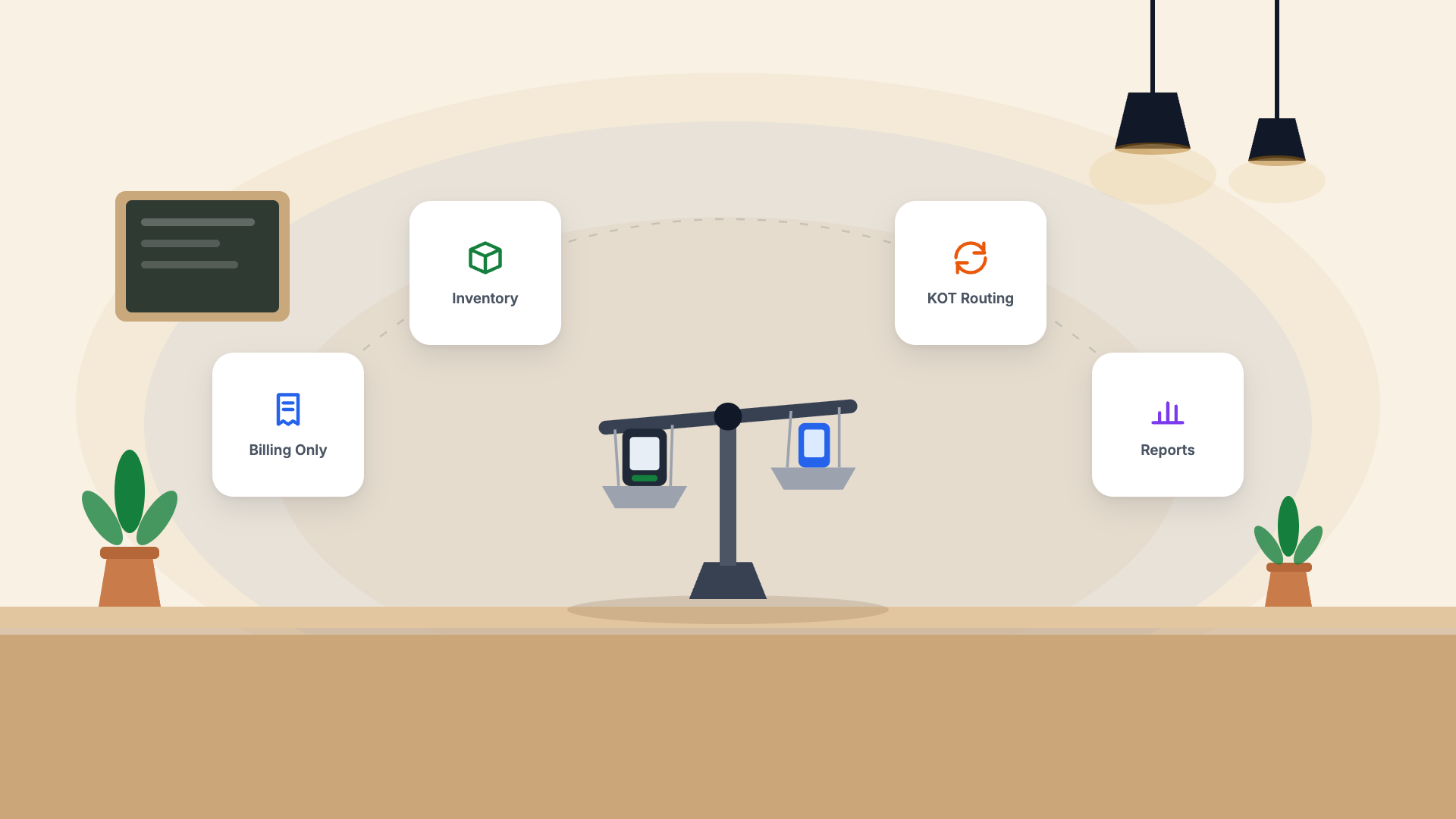
Billing Software vs POS: The Core Difference
Billing software is a tool for creating and sending invoices. You enter what was sold, it calculates the amount and GST, generates a receipt, and stores the record. That's it.
A Point of Sale (POS) system manages the entire transaction workflow — from the moment an order is placed to the moment payment is collected — and ties into inventory, kitchen operations, table management, and reporting.
What Billing Software Does Well
- Create GST-compliant invoices quickly
- Track who paid and who owes money
- Export data for CA/GST filing
- Low cost (₹500–₹1,500/month)
- Works fine for service businesses and simple retail
What a Full POS Does That Billing Software Can't
| Feature | Billing Software | Restaurant POS |
|---|---|---|
| Table management | ✗ | ✓ |
| Kitchen display / KOT | ✗ | ✓ |
| Multi-station order routing | ✗ | ✓ |
| Real-time inventory deduction | ✗ | ✓ |
| Online order integration | ✗ | ✓ |
| Modifier / customisation handling | ✗ | ✓ |
| Shift management and cash drawer | ✗ | ✓ |
| Staff performance tracking | ✗ | ✓ |
Which Do You Actually Need?
Use billing software if:
- You're a home baker, tiffin service, or caterer taking pre-orders
- You don't have dine-in service
- You have fewer than 20 orders per day
- Your "menu" is fixed and simple
Use a full POS if:
- You have dine-in tables
- You have a kitchen with multiple stations
- You take online orders alongside walk-ins
- You need real-time inventory control
- You have staff who take orders on the floor
The Middle Ground: Billing-First POS
Pangat sits in the middle — it's a full restaurant POS that starts with billing at its core. You get proper GST invoicing, CA access, and financial reports from day one, with the ability to activate KDS, table management, and inventory as you grow. You only pay for the complexity you actually need.