Why Billing Flexibility Matters
The most stressful moment in a restaurant service isn't a difficult customer or a kitchen delay. It's a table of 12 at the end of dinner asking to split the bill 9 ways by what each person ordered — while 3 new tables are waiting to be seated and the printer is jammed.
If your POS can't handle this gracefully, it costs you time, table turns, and staff morale. Here's what a flexible billing setup looks like.
Split Bill Types Your POS Must Handle
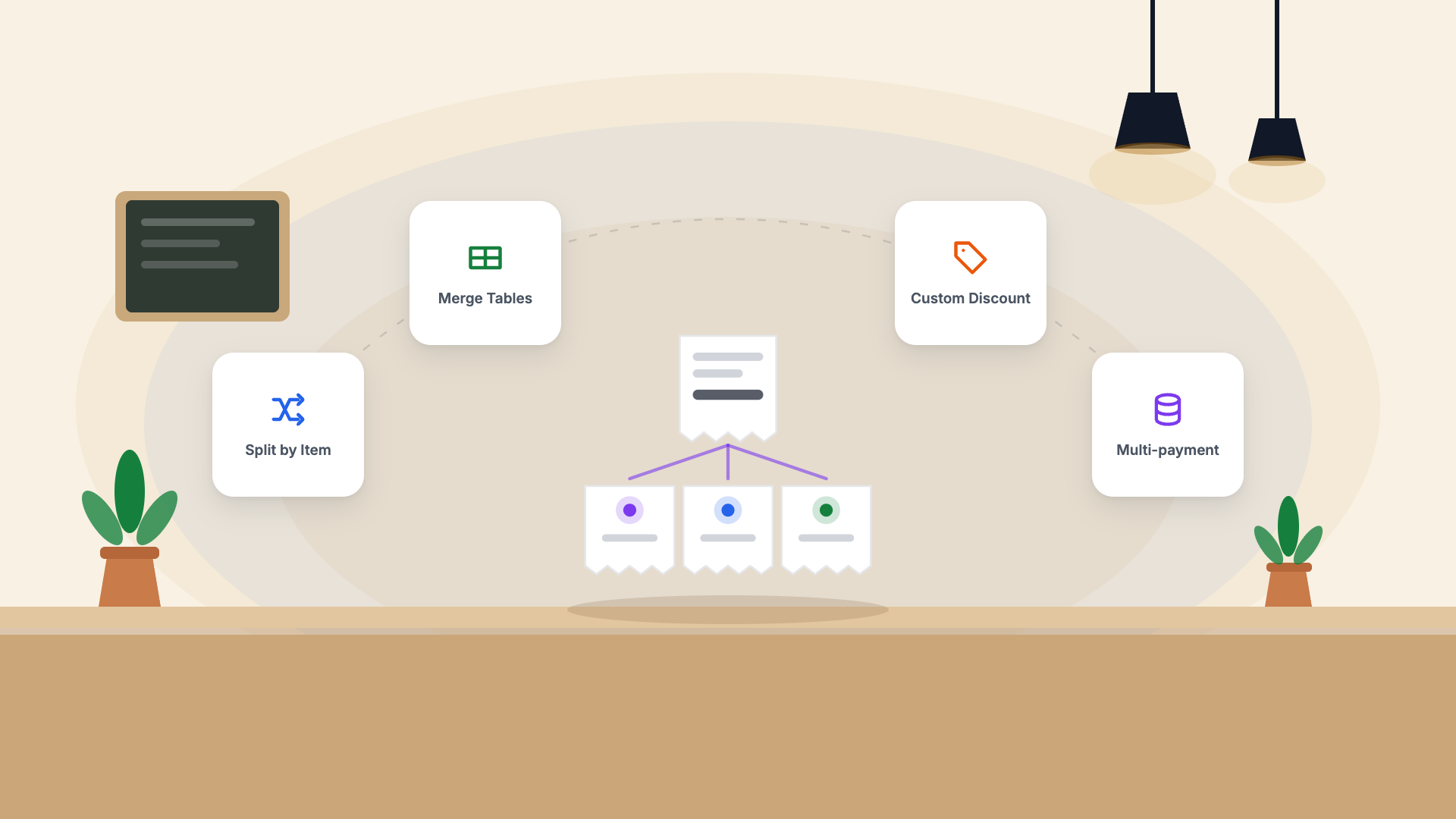
1. Split by item
Each person pays for what they ordered. Staff assign items to individual "seats" as orders are taken, then split billing is instant at checkout.
2. Split equally
The total is divided by the number of people. Simple, but your POS should do the maths automatically including GST.
3. Custom split
"I'll pay ₹600, she'll pay ₹800, and he'll pay the rest." Your POS should allow arbitrary amount entry per payment.
4. Split by payment method
Some guests want to pay by UPI, some by card, some by cash. All on the same bill. This should be one workflow, not three separate bills.
Table Merge and Transfer
Table merge: Two adjacent tables join mid-service. All orders need to move to one bill. Your POS should do this with two taps — not require a manager override.
Table transfer: A party moves from the bar to a dining table. The open tab should follow them instantly.
Discount Controls
Not every staff member should be able to apply every discount. A well-configured POS has:
- Staff-level discounts (e.g., 5% — any staff can apply)
- Manager-level discounts (e.g., 10–20% — requires PIN or manager login)
- Full waive-off — owner access only, with mandatory reason logging
Every discount should be logged with who applied it, when, and what reason was given. This data tells you a lot about your operation over time.
In Pangat
All of the above is built into Pangat's billing module. Split by item, split equally, custom amounts, merge, transfer, and tiered discount controls — all accessible from the same billing screen without switching modes or calling a manager.